Build a small browser game with AI
A practical workflow using the published cooking game: define the loop, separate rules, add art and verify input.
Published and sources checked: November 5, 2026 · Edited by Yamazaki Studio
Define the finish line
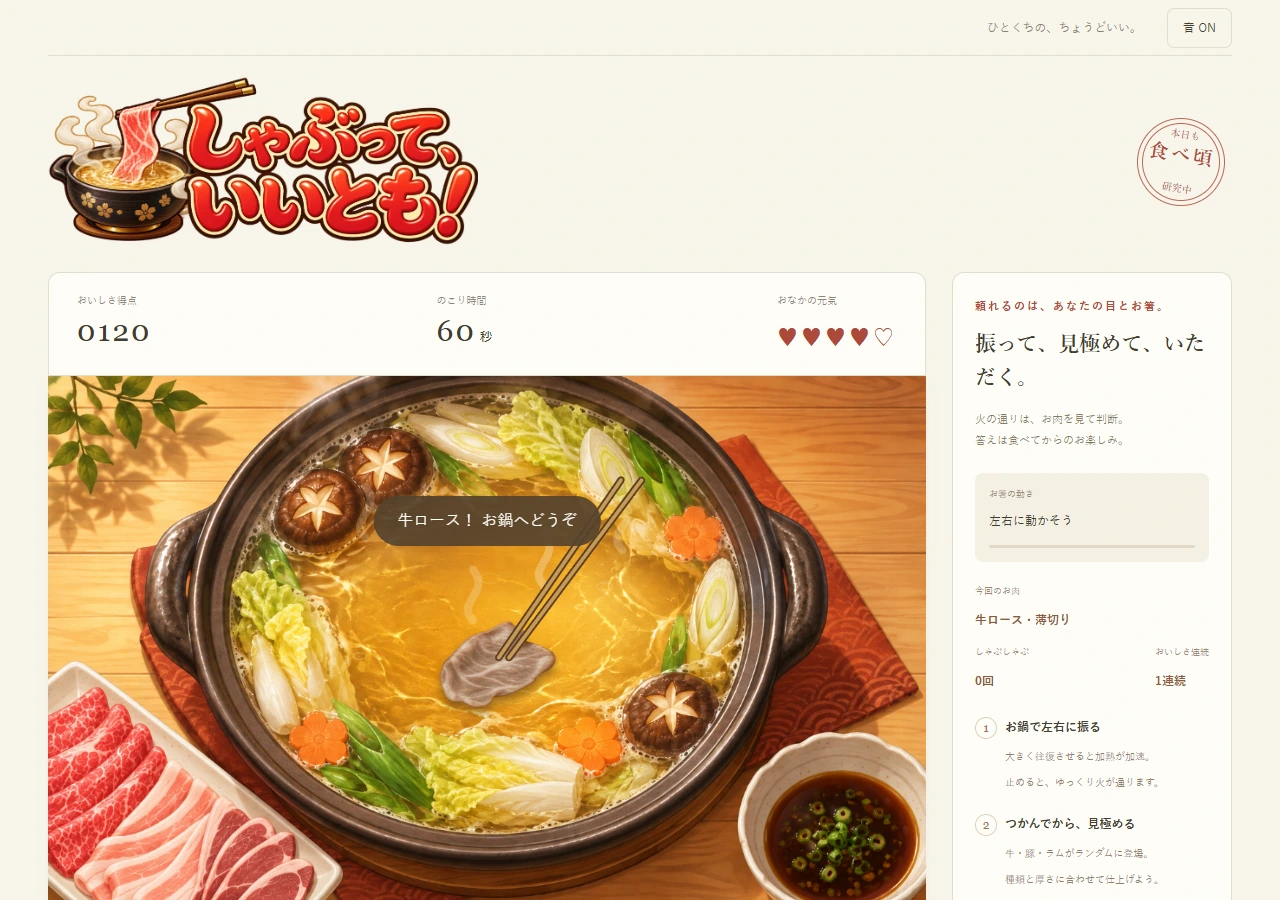
Start with input, a constraint and a result: pick up meat, cook it, serve it and show a score after 60 seconds. This describes Shabutte, Iitomo!. Accounts and multiplayer are separate projects unless the core loop needs them.
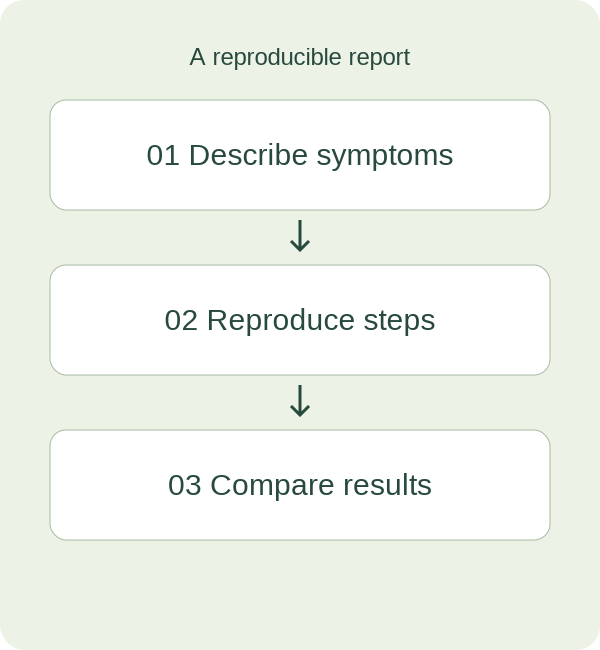
Ask for a playable prototype
Build a minimal HTML/CSS/JavaScript cooking game.
Use shapes instead of finished art.
Implement pickup, cooking, serving and a 60-second result.
Pause must stop both time and cooking.
Use no external services. Report changed files and verification steps.
Finish a complete start-to-result-to-restart loop before polishing the illustration.
Separate rules from presentation
The published cooking game places scoring rules in rules.js and input and drawing in game.js. This is an example, not a required architecture. It makes it easier to test raw-meat penalties and ready-to-eat scores without changing rendering.
Fit art to interaction
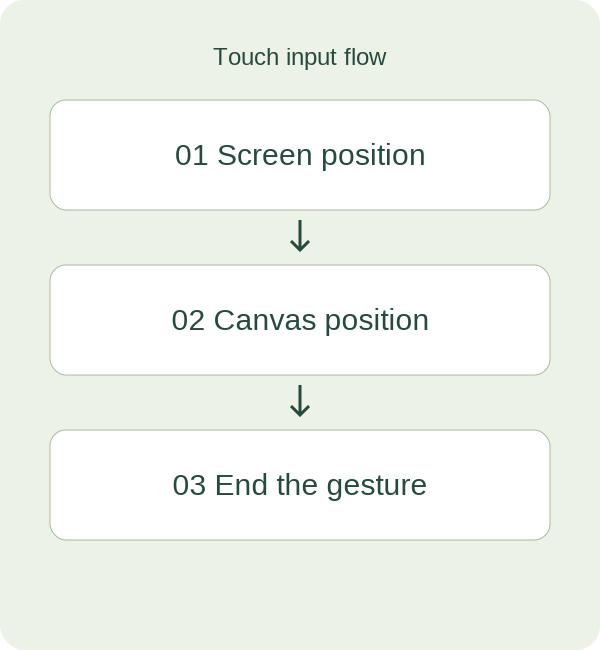
Decide where the pot and dishes can be touched before replacing placeholder art. Test dish edges, moving outside the pot and releasing a finger. A screenshot demonstrates appearance, not successful interaction.
Use clear checkpoints
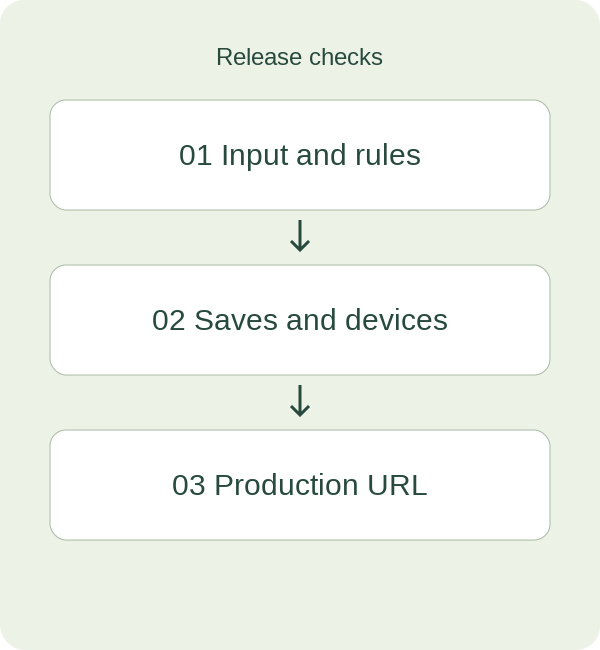
- Prototype: one complete round and restart.
- Rules: scoring, failure and pause behave as specified.
- Art: visible targets match hit areas.
- Release candidate: narrow screens and reload work.