Build touch controls for a browser game
Map visible coordinates, handle cancelled input and keep page scrolling usable.
Published and sources checked: November 5, 2026 · Edited by Yamazaki Studio
Responsive layout is not enough
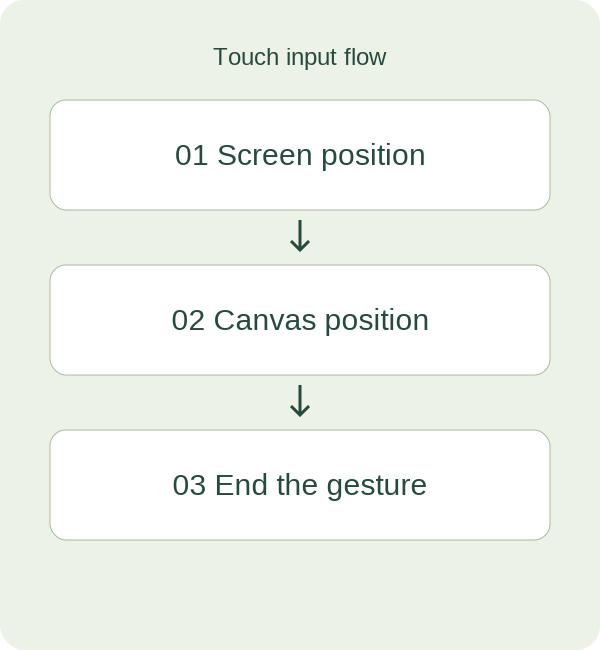
A page can fit a phone while hit targets remain wrong. The cooking game maps pointer positions into internal canvas coordinates. The example below explains that approach.
Convert the coordinates
const rect = canvas.getBoundingClientRect();
const x = (event.clientX - rect.left) * canvas.width / rect.width;
const y = (event.clientY - rect.top) * canvas.height / rect.height;
A 1200-unit canvas displayed at 600 pixels maps a visible offset of 300 to an internal offset of 600. This assumes no canvas border, padding or rotation; complex transforms need additional handling.
Handle the entire input lifecycle
Pointer events cover mouse, touch and pen. The published game uses pointer capture, and its cancellation handler stops in-pot heating while retaining the held meat. That is a game-specific choice, not a universal cancel behavior.
Scope gesture handling to the play surface
Browser gesture handling may cancel pointer input. See touch-action.
/* Example for a drag-controlled play surface */
canvas.play-area { touch-action: none; }
Do not disable scrolling and zooming across the entire page merely to support dragging. Keep surrounding instructions readable.Test real input
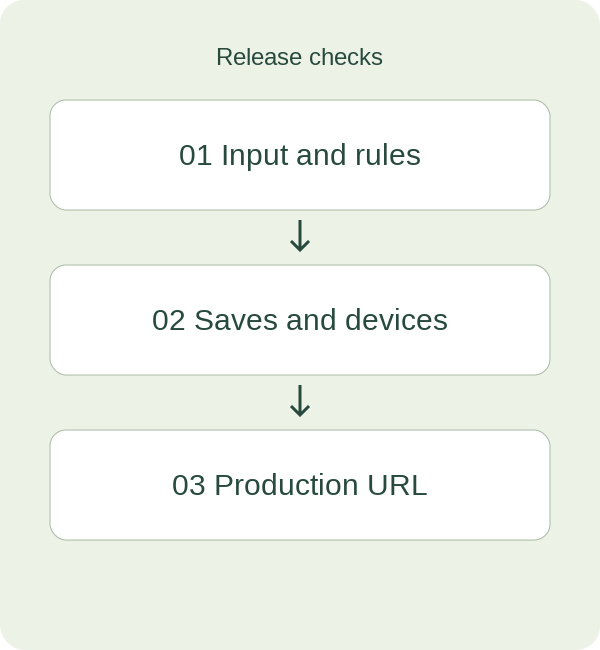
Try target edges, release outside the canvas, a second finger, orientation changes and a tab switch. A desktop viewport set to 390px checks layout; it does not replace physical-device touch and sound checks.
Ask for a bounded fix
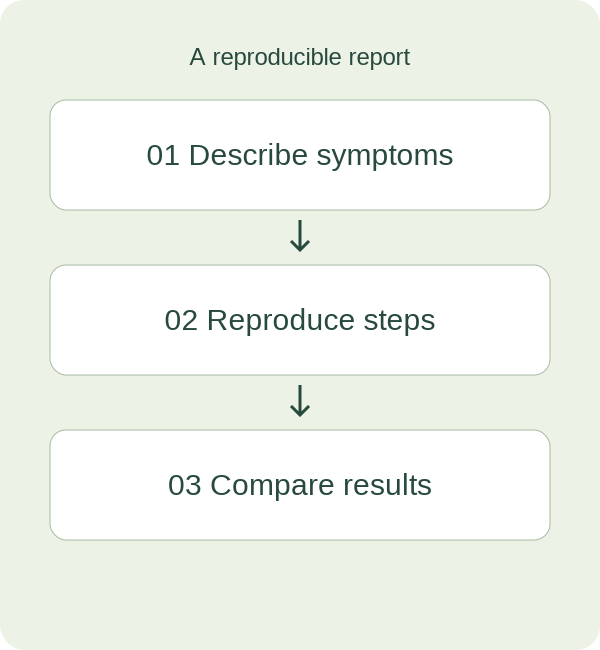
Request correct coordinate conversion, clean pointerup and pointercancel handling, prevention of double input and preserved instruction scrolling. Use a reproducible bug report to compare before and after.