Build a browser app with saves, sound and a timer
Use explicit states, local saves, user-started audio and a separate real-time clock.
Published and sources checked: November 5, 2026 · Edited by Yamazaki Studio
Start with one task
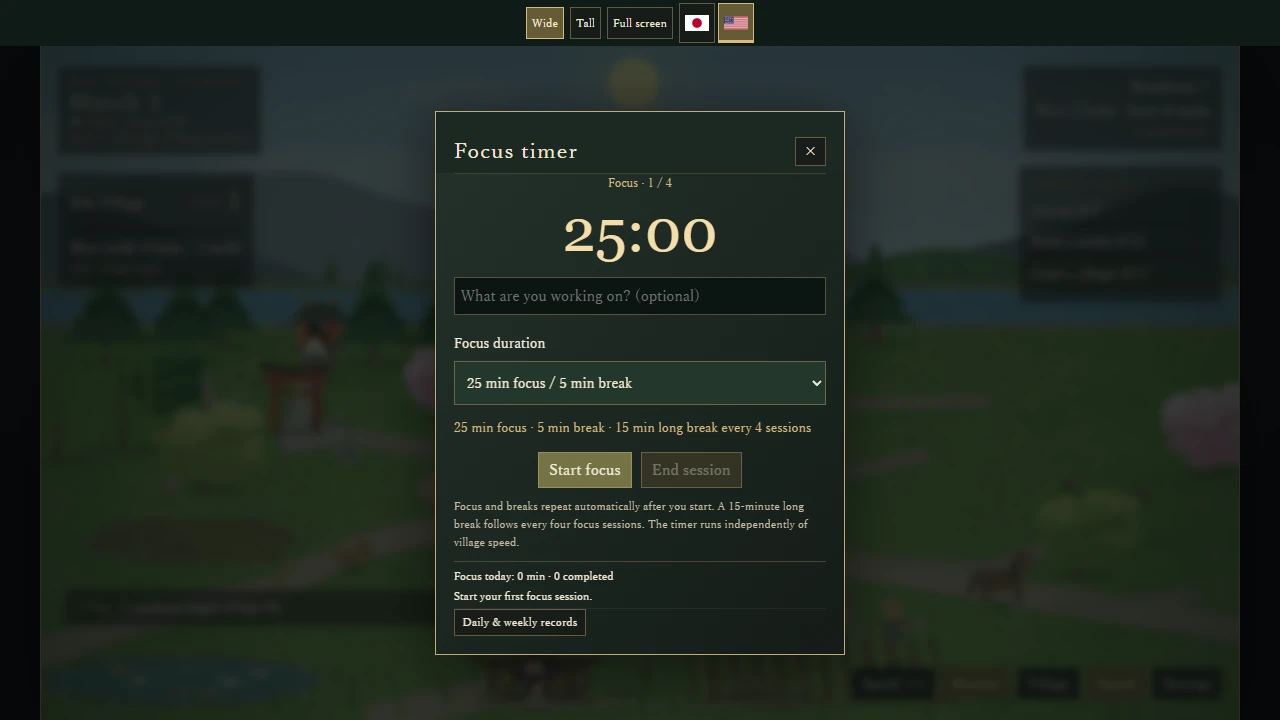
For a focus tool, begin with one timed session and an end signal. Scenery and history can follow. The Edo Mura guide illustrates the finished combination; it is not a requirement to implement every feature at once.
Write a state table first
Define idle, running, paused and finished. For each state, specify allowed buttons and what happens on close. Prevent double starts. Decide whether a closed page cancels or restores a timer; do not promise background notifications merely because an on-screen timer works.
Expect storage failure
Browser localStorage is origin-specific and may throw when storage is blocked. See MDN. Handle read and write errors, avoid overwriting unreadable records without a recovery decision, and use a separate save key per app. Local saving is not device synchronization.
Keep simulation and real time separate
Speeding up a village should not speed up a focus session. Use an appropriate elapsed-time basis rather than counting display updates alone. State what happens after tab changes, sleep and reload, and test those cases.
Start audio after interaction
Browsers can block audible autoplay. Follow the MDN autoplay guide: enable audio after a user action and handle playback failure. Label music, ambience and alert volume independently if the app treats them separately.
Give AI a bounded change
Keep the save key and data format.
Prevent multiple timers when Start is pressed repeatedly.
Check buttons in idle, running, paused and finished states.
Notifications after closing the page are outside this change.
Review old-save compatibility whenever a new state or field is added.