Check browser-game saves before changing devices
Learn what you can export, and what remains in your current browser.
Published November 22, 2026 · Yamazaki Studio
Identify the records you care about
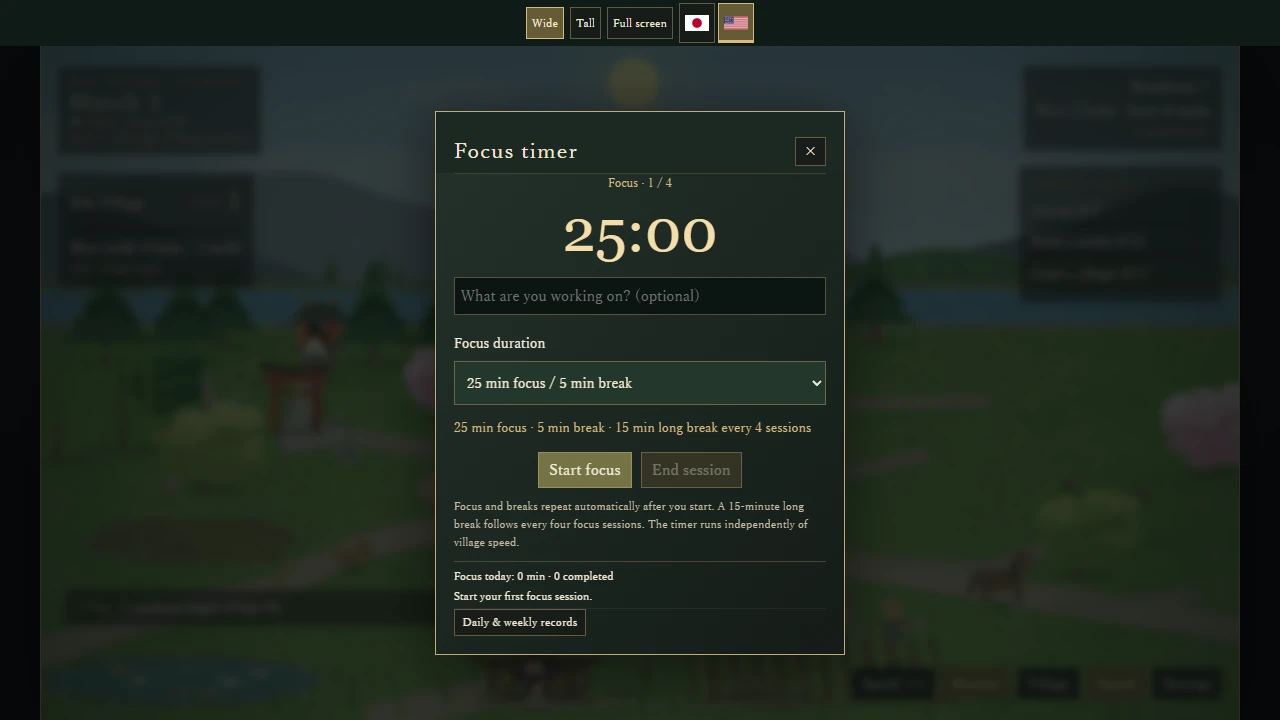
Edo Mura saves village progress. Future Branches stores discoveries and progress. Shabutte, Iitomo! saves a personal best. A record that survives a reload does not necessarily move to another device.
Move an Edo Mura village
Open Save & restore on the old device and export a backup. Back up any village you want to keep in the destination browser before importing. After import, check the village name, residents and progress before clearing the old device. Edo Mura backup help
Understand collections and high scores
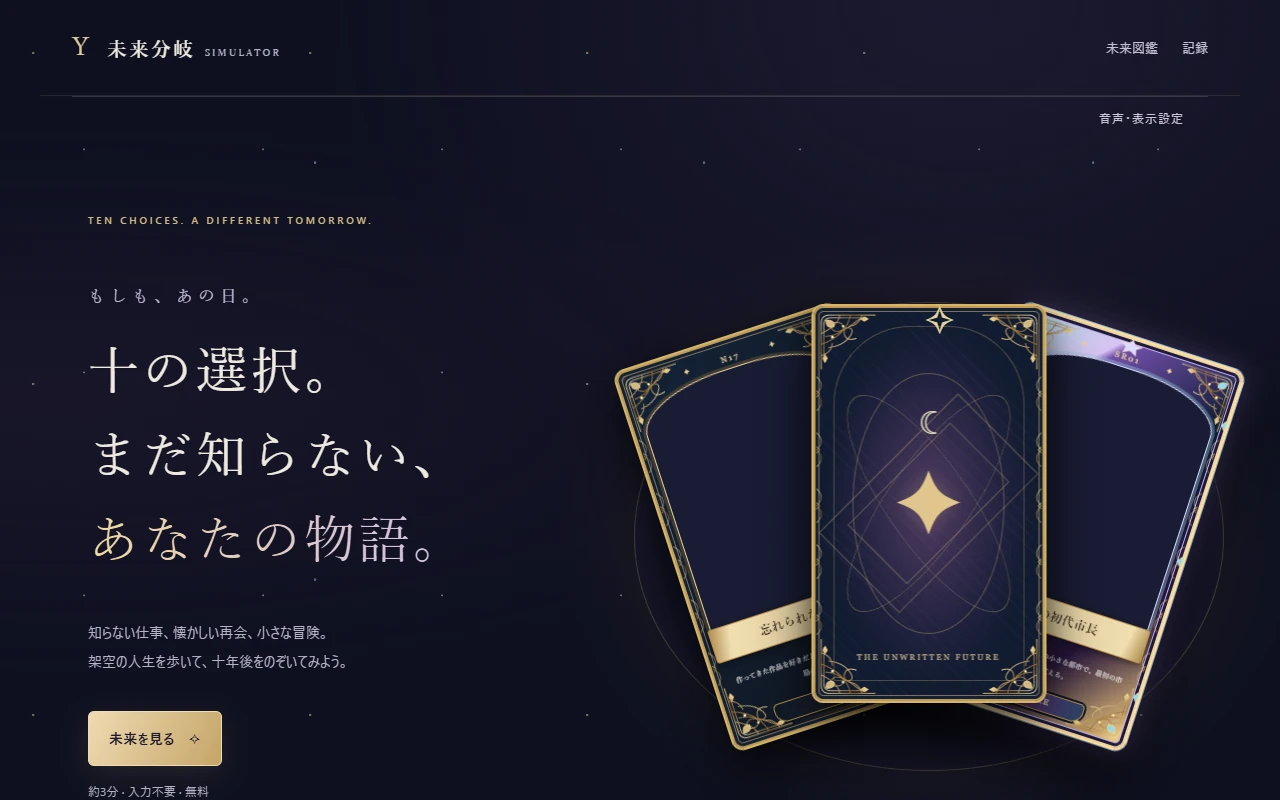
Future Branches keeps its history and discoveries in the current browser. Its result-card PNG can be viewed or shared, but cannot restore the collection. Shabutte, Iitomo! does not automatically sync your personal best across devices. Future Branches guide
Check these before clearing data
- Open your usual browser profile.
- Use your regular window rather than private browsing.
- Use the same site where you previously played.
- Check the game and date of any backup.
Browser storage is scoped by origin. A local prototype or a copy on another domain may use separate storage. MDN storage reference
Common questions
Is reload the same as clearing site data?
A reload can read the saved record again. Clearing site data can remove it.
Should I publish my backup?
Keep backups privately for transfers. They may contain names you chose or details of your progress.